Minecraft Bedrock Edition has come a long way with new mobs, biomes, and game-drops every year, but one thing hasn’t changed much since the mobile-first days of the game: the animations. Steve still slides across the ground instead of walking with weight. Every sword swing looks the same. Mobs snap between poses instead of moving naturally. That’s exactly the gap Actions and Stuff was built to close.
Actions and Stuff is a resource pack created by Oreville Studios, a verified Minecraft Marketplace creator, that overhauls how players, mobs, tools, and the environment move and look — without touching a single game mechanic. In this guide, you’ll find everything you need: what the pack actually does, how to download and install it safely on every platform, which resolution to pick for your device, and answers to the questions players ask most.
What Exactly Is Actions and Stuff?
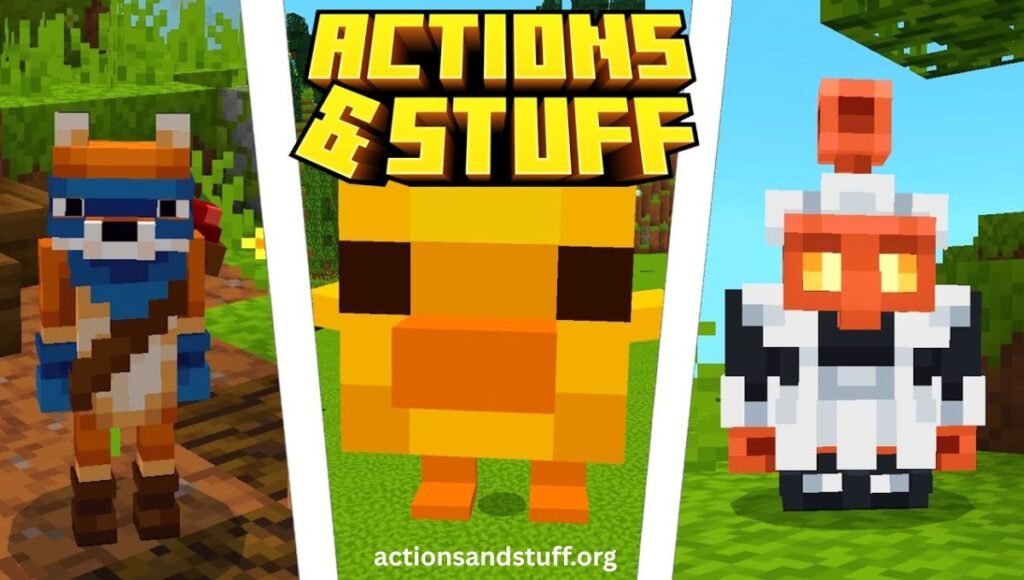
Actions and Stuff is officially classified as a resource pack, not a mod or a behavior pack. That distinction matters because resource packs in Minecraft Bedrock only change what you see and hear — textures, animations, sounds, and 3D models. They never touch crafting recipes, mob AI, redstone logic, or world generation. Your save files, achievements, and trophies stay completely unaffected.
Under the hood, the pack ships with over 50 individual animations layered across player movement, combat, tool usage, mob behavior, and environmental effects, plus a full texture and 3D-model overhaul for items and blocks. It runs through Minecraft’s built-in Global Resources system, so there’s no jailbreaking, rooting, or third-party launcher involved — you simply activate it like any other resource pack.
It’s developed by Oreville Studios, a Marketplace partner with dozens of published products and a near-perfect community rating, which is part of why the pack has built such a loyal following since launch.
Why So Many Players Are Switching to It
Java Edition players have had access to smoother movement mods like Fresh Animations for years. Bedrock players never had a true equivalent until Actions and Stuff arrived — and the response from the community made it clear how long that gap had been felt. Streamers and content creators in particular adopted it quickly because footage simply looks better with natural movement, without needing any extra editing or shaders.
Core Features Breakdown
Player Movement Animations
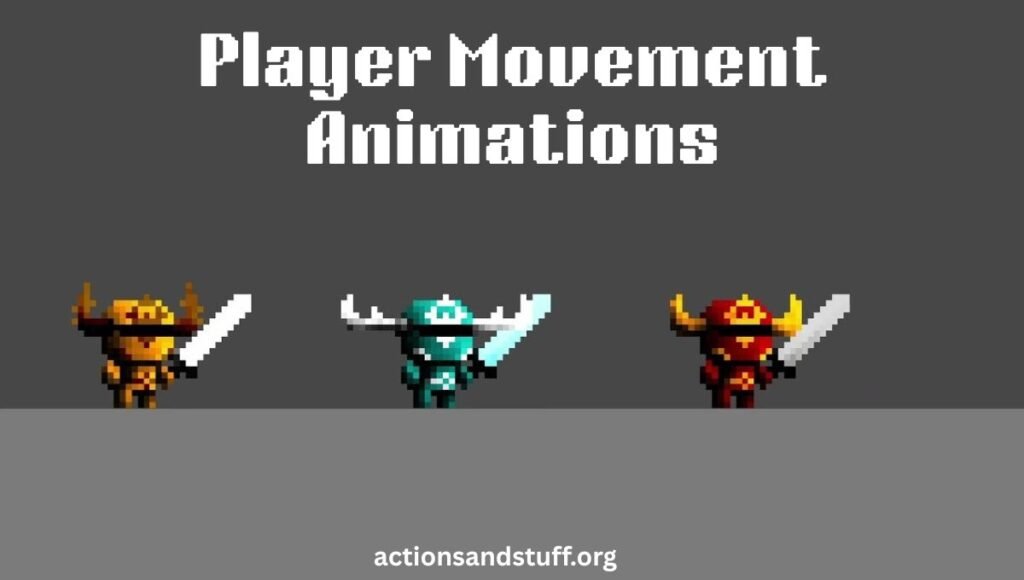
Walking gains real weight and arm swing instead of a flat slide. Running adds a forward lean with pumping arms, sneaking lowers the body properly, and swimming uses natural stroke motion. Jumping into water even triggers different splash types — a dive, a belly flop, or a cannonball — depending on how you enter.
Combat and Tool Animations
Swords no longer repeat one single arc; they cycle through horizontal, diagonal, and overhead strikes. Axes carry more weight behind each swing, bows show visible string tension while drawing, and shields brace visibly before absorbing a hit. Mining animations change based on the tool and block type, complete with material-accurate spark effects. None of this affects actual damage values or hit detection — it’s purely visual.
Mob Behavior Animations
Cows lower their heads to graze and swish their tails. Wolves wag, yawn, and react with ear movement. Cats stretch when waking up. Villagers blink and glance around with subtle facial expressions. Recent updates added support for newer mobs like the Happy Ghast and reworked visuals for the Wither and Glow Squids, keeping the pack current with Mojang’s latest game-drops.
Environmental and Atmosphere Effects
Grass sways differently depending on the biome, rain creates splash particles on solid surfaces, and snow biomes leave footprints as you walk. Fireflies, drifting leaves, and waterfall mist add ambient detail, while boats leave a foam wake trail across water.
Actions and Stuff vs. Vanilla Bedrock: Quick Comparison
| Feature | Vanilla Bedrock | Actions and Stuff |
| Walking | Flat slide, no weight | Natural bounce and arm swing |
| Swimming | Stiff, robotic strokes | Fluid, realistic strokes |
| Combat | One repeated swing arc | Multiple cycling strike angles |
| Mining | Identical animation for every tool | Tool-specific motion with sparks |
| Mob idle behavior | Mostly static | Tail wags, grazing, stretching |
| Rain | Flat overlay | Surface splashes and puddles |
| Achievements | Active | Stay fully active |
Choosing the Right Resolution for Your Device
The pack typically comes bundled with three texture resolution tiers, and picking the right one matters more for performance than almost anything else.
- 16x resolution is built for older or budget Android phones with 2GB of RAM or less. Every animation and effect still works fully here — only texture sharpness is reduced, which keeps frame rates stable on weaker hardware.
- 32x resolution suits most mid-range phones released in the last few years with 3–4GB of RAM. This is the recommended starting point for the average player, balancing visual quality with smooth performance.
- 64x resolution is meant for high-end phones, tablets, and Windows PCs with dedicated graphics or 6GB+ RAM. Content creators recording footage typically choose this tier for the sharpest detail.
If you’re unsure where your device falls, start one tier lower than you think you need — you can always move up once you confirm stable frame rates.
Device and Platform Compatibility
| Platform | Minimum Requirement | Recommended |
| Android | Android 5.0 | Android 10+ |
| iOS | iOS 12 | iOS 15+ |
| Windows | Windows 10 | Windows 11 |
| Xbox | Xbox One | Series X/S |
| PlayStation | PS4 | PS5 |
| Nintendo Switch | Supported (limited) | Latest firmware |
| RAM | 2GB minimum | 4GB+ recommended |
| Storage | 300MB free | 500MB+ free |
The pack works across virtually every platform that runs Minecraft Bedrock Edition, which is part of what makes it so widely adopted compared to platform-locked alternatives.
How to Download and Install Actions and Stuff
There are generally two file types you’ll come across when downloading this pack: an APK (Android only, bundles Minecraft with the pack pre-installed) and an MCPACK (the resource pack only, works across every Bedrock platform if you already own Minecraft). Click the download link below to choose the version that best suits your device and start enjoying the pack in Minecraft.
Click Now: For Download the APK or MCPACK
Installing the MCPACK (Recommended if you already own Minecraft)
- Download the MCPACK file to your device.
- Tap or double-click the file — Minecraft should open automatically and begin importing it.
- Open Minecraft, go to Settings → Global Resources.
- Move Actions and Stuff from Available Packs into Active Packs.
- Select your preferred resolution subpack (16x, 32x, or 64x).
- Load any world — the animations activate immediately.
If the file doesn’t open Minecraft automatically, long-press it, choose Open With, and select Minecraft from the list manually.
Installing the APK (Android only, new users)
- Go to Settings → Security/Privacy and enable Install from Unknown Sources.
- Download and open the APK file.
- Tap Install and wait for the process to complete.
- Open the app, go to Settings → Global Resources, and confirm the pack shows as Active.
- Choose your resolution tier and load a world to start playing.
Console Players (Xbox, PlayStation, Switch)
Console users typically access the pack through the official Minecraft Marketplace rather than a sideloaded file, since consoles don’t support APK or manual MCPACK installs in the same way. Search for the pack by name inside the in-game Marketplace and follow the standard purchase/download flow.
Does It Affect Achievements or Multiplayer?
No. Because Actions and Stuff is strictly a resource pack, it cannot disable achievements, trophies, or any progress tracking — those systems are tied to gameplay mechanics, which the pack never modifies. You can play a full Survival world, earn every achievement, and keep the pack active the entire time without issue.
The pack is also client-side only, meaning it only changes what you see. Players in the same world without it installed will see vanilla visuals on their end, but everyone can still play together without compatibility problems. It works fine on major Bedrock servers and on Realms, though for Realms the world owner needs to enable it through Realm settings so it applies to everyone joining.
Common Installation Problems and Fixes
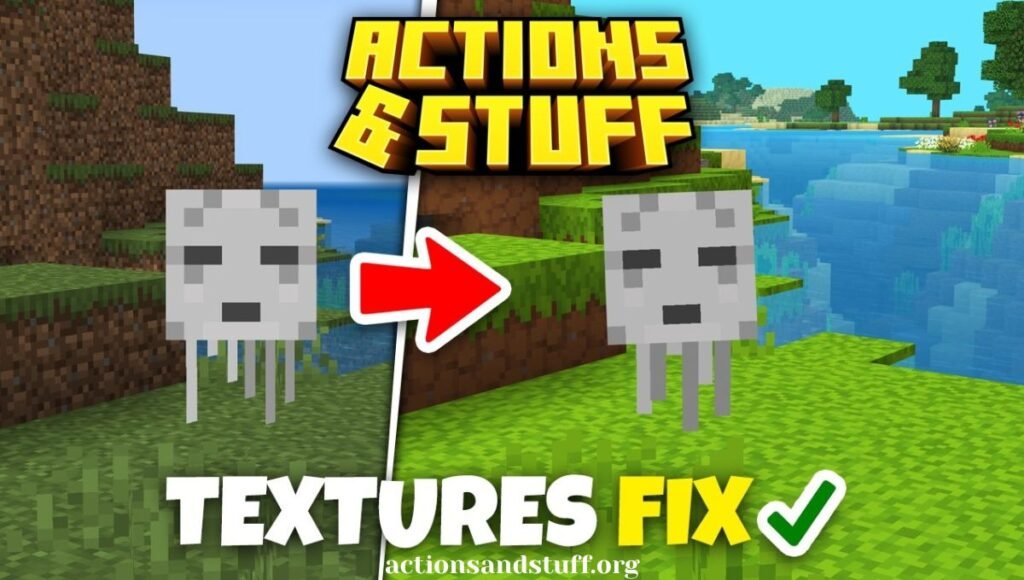
Pack not showing up in Global Resources: Fully close Minecraft, reinstall the file, then reopen and check again.
Game crashes after activating the pack: Lower the resolution subpack — the 16x tier resolves this on almost any device.
Animations don’t appear even though the pack is active: Drag Actions and Stuff to the top of your active pack list. A different pack positioned above it may be overriding the animation files.
MCPACK won’t open Minecraft automatically: Long-press the file, select Open With, and choose Minecraft manually.
Works in single player but not on a shared Realm: Only the Realm owner can activate it for everyone — it needs to be turned on through Realm settings, not an individual’s personal Global Resources.
Performance Tips
Most mid-range Android phones run smoothest on the 32x tier. If you’re on an older device and notice stuttering, drop to 16x and lower your render distance to around 8 chunks. Disabling “fancy” leaves and clouds in Minecraft’s video settings also helps free up GPU resources independently of the resource pack itself. Closing background apps before launching the game and keeping both Minecraft and the pack updated also goes a long way toward stable frame rates.
Frequently Asked Questions
Is Actions and Stuff free? Yes, the resource pack files are free to download on Android and Windows. On platforms where it’s distributed through the official Marketplace (like console), it may require a Marketplace purchase instead.
Does it work with Java Edition? No. Actions and Stuff is built exclusively for Bedrock Edition. Java players looking for similar visual upgrades typically use mods like Fresh Animations instead.
Will it slow down my phone? Performance impact is minimal as long as you choose the correct resolution tier for your hardware. Starting at 16x on older devices and moving up only if performance stays smooth is the safest approach.
Can I use it together with other animation or texture packs? Generally no — most animation packs, including this one, conflict with each other since they edit the same animation files. Stacking them usually causes one pack to override the other.
Does it change any gameplay mechanics? No. Crafting, mob AI, combat damage, and all game rules stay exactly the same as vanilla. Only the visuals change.
How do I remove it? Go to Settings → Global Resources in Minecraft and move Actions and Stuff back to Available Packs (or delete it). The game returns to its vanilla appearance the next time you load a world.
Is it safe to download? Always download resource packs from a source you trust, and avoid sites that bundle unrelated installers with the file. Verify file size and version details match what’s officially listed before installing.
conclusion
Actions and Stuff has become one of the most widely used animation overhauls on Minecraft Bedrock Edition because it solves a problem players have lived with for over a decade — stiff, robotic movement — without touching anything that would put progress or achievements at risk. Whether you’re playing on a budget Android phone or a high-end gaming PC, there’s a resolution tier built for your setup, and the install process takes just a few minutes from start to finish.
If you’re setting this up for the first time, start with the MCPACK if you already own Minecraft, pick the resolution tier that matches your device, and place the pack at the top of your active pack list to avoid conflicts with anything else you’re running.